Important
Amaze-Software will execute Jobs you have prepared at 12am EST. In order to avoid inaccurate inventory increases, avoid editing your inventory in Amazon Seller Central between 11:50 PM - 12:10 AM EST on nights when jobs will be executed.
Also, if you manually execute tasks in the Jobs page on Amaze-Software, avoid editing inventory of those SKUs on Amazon Seller Central within 10 minutes before or after execution. Only execute one job at a time, and wait at least 10 minutes between executing another job. Additionally, avoid manually executing jobs within 10 minutes before or after 12:00 AM EST (11:50 PM - 12:10 AM EST).
Example: If you execute manually on Amaze-Software at 5:00 PM, avoid editing inventory of those SKUs on Amazon Seller Central between 4:50 PM and 5:10 PM. If you want to execute another job, wait until at least 5:10 PM.
Recommended: For maximum convenience, allow Amaze-Software to automatically process inventory increases at 12:00 AM EST - no manual work required..
Instructions: First-Time Setup
- Press "Start Free Trial" to create an account on Amaze-Software.
- To connect Amaze-Software with your Amazon Seller account, navigate to Amaze-Software Account page and press on Connect Amazon button. (Account page only shows once logged in)
- This will direct you to your Amazon Seller Central Account page to confirm connection.
- Navigate back to Amaze-Software Account page and hit subscirbe to connect billing info.
- To get started press "Refresh Returns and Inventory" on the Home page. Refresh the page a few times
to monitor refresh status. It should take a couple minutes for it to show SUCCESSFUL(3).
(See below for refresh status meanings) - Purchase a barcode scanner (See below).
- You are now ready to use Amaze-Software and start scanning returns!
Instructions: Day-To-Day Use
- Ensure barcode scanner is connected and working.
- Navigate to the Returns page in Amaze-Software and scan the barcode of the return label. Returns info will appear such as item refund status, reasons for return, quantity returned, etc.
- If items returned are in good condition and you would like to restock to inventory, press "Add To Queue."
- Repeat steps 2-3 for each return label.
- At the end of the day, press "Add To Jobs". This will add all the returns in your queue to your Jobs. You can view the Jobs you have prepared in the Jobs page.
- Every night at 12:00 AM EST Amaze-Software will process the returns in your Jobs and increase inventory in your Amazon webstore accordingly. (You can also manually execute jobs at any time.)
- To see the previous night's processing of returns, navigate to the Jobs pages and in the History section press "Info".
- SKUs that failed to increase in inventory will be listed in Red. These SKUs are likely out of stock and therefore inactive in your Amazon Seller Central. See troubleshooting section for more.
Returns Data
- Only accesses returns within the last 60 days
- Refreshing returns data may show "FATAL" if no returns exist
-
Refresh Status meanings:
- SUCCESSFUL(1): Return details loaded (item name, SKU, reason, refund, etc.). You can use the app now; address and inventory may still be blank until later steps finish.
- SUCCESSFUL(2): Inventory fetched and saved. You'll now see estimated inventory values.
- SUCCESSFUL(3): Addresses fetched and saved. You'll now see customer/return addresses. This is the final step.
Troubleshooting
- Ensure SKUs that got errors are listed in your Amazon Seller Central Inventory
- Ensure your Amazon Token in Amaze Software Accounts page is not expired. If expired press "Refresh Amazon Token".
- Check if you have returns in the last 60 days
- Ensure your Amazon Token in Amaze Software Accounts page is not expired. If expired press "Refresh Amazon Token".
Barcode Scanner Info
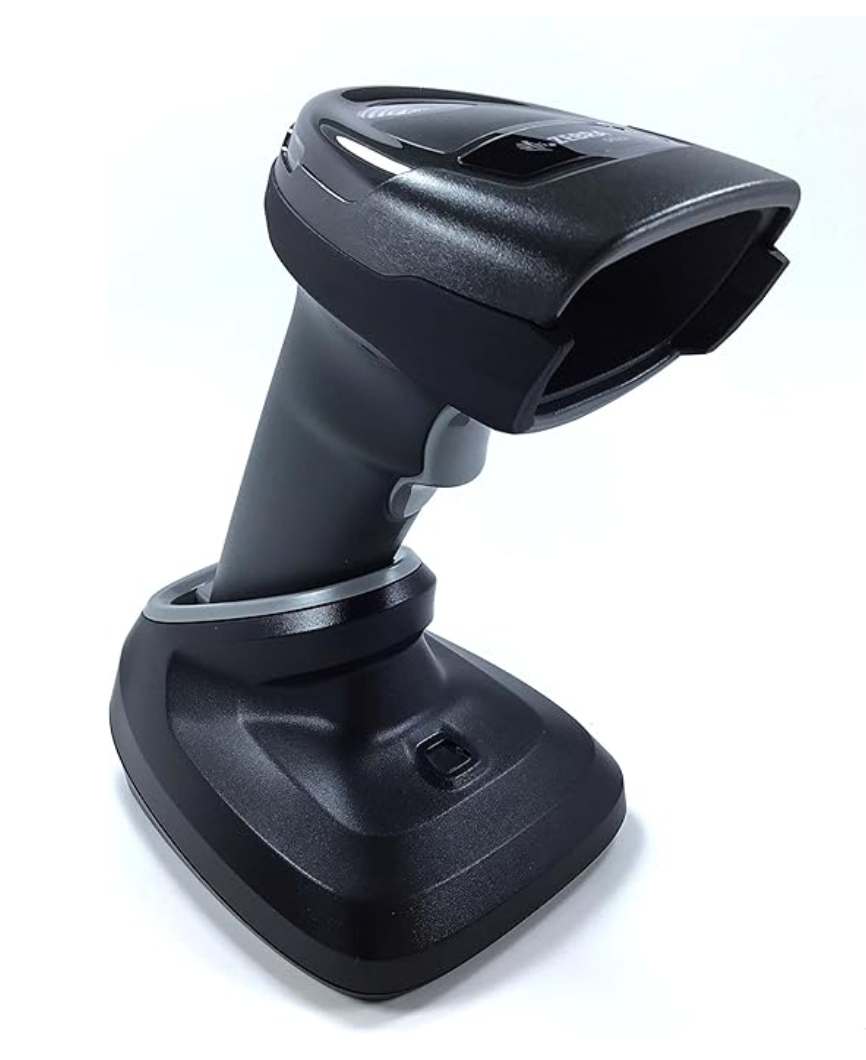
For testing our software, any standard barcode scanner should work. However for longer term use, it is recommended to invest in
a high quality barcode scanner for seamless scanning.
Zebra scanners generally work well and can be found on
Amazon.